Distraction-free editing
A canvas that reads like a book
Real book typography, warm paper, and nothing else in the way. The editor is built to disappear so the only thing on the page is your prose — and the AI never writes a word of it.
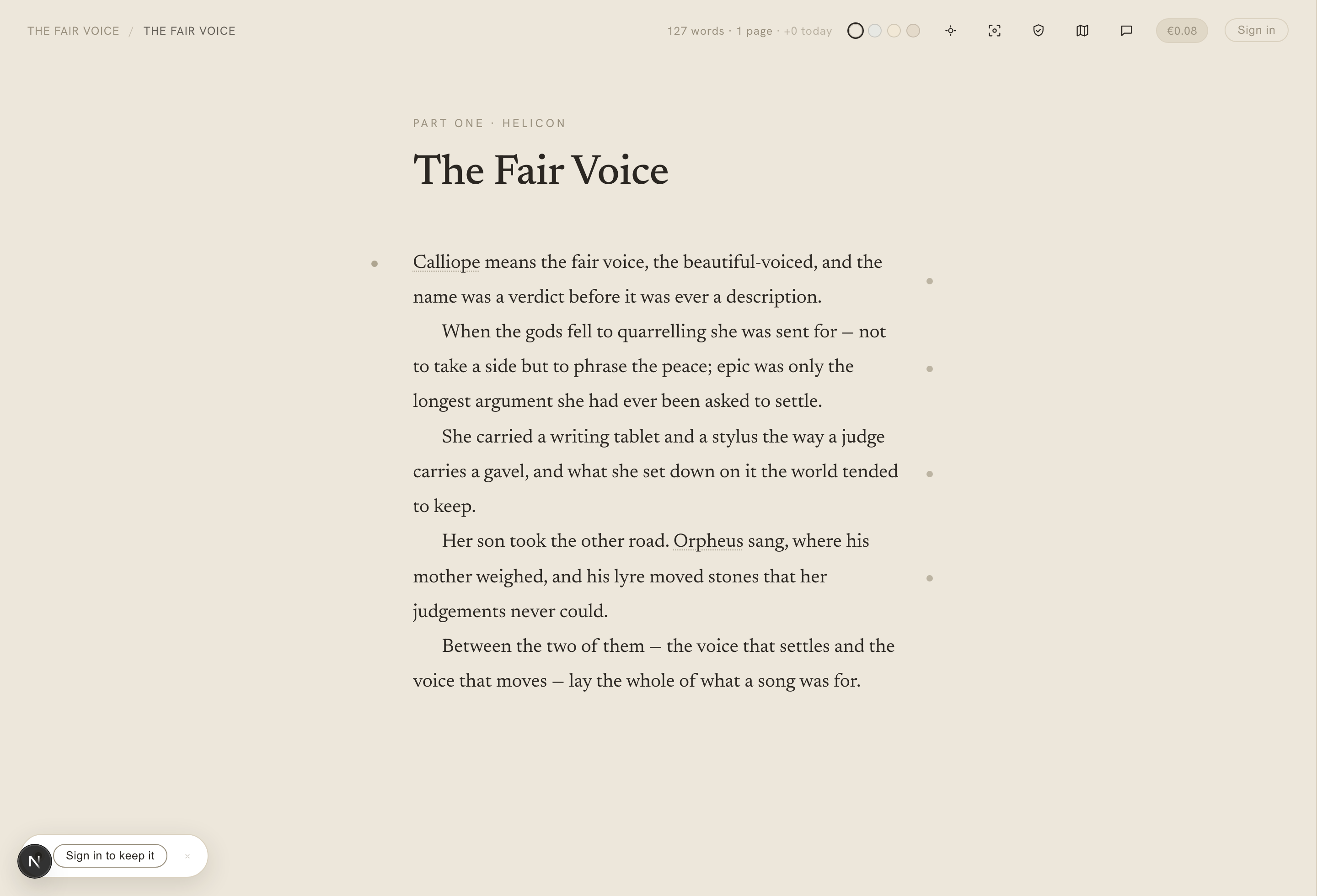
The page
Typography that respects the words
Your draft is set the way a finished book is set — a real reading measure, a typeface chosen for long passages, generous line height. It isn't a text box that happens to hold a novel. It's a page, and it reads like one from the first sentence.
Warm paper themes — Oat, Mist, Sand, Clay — let you pick the light you write best in. See the writing canvas docs for every setting.
The quiet
Focus mode and typewriter scroll
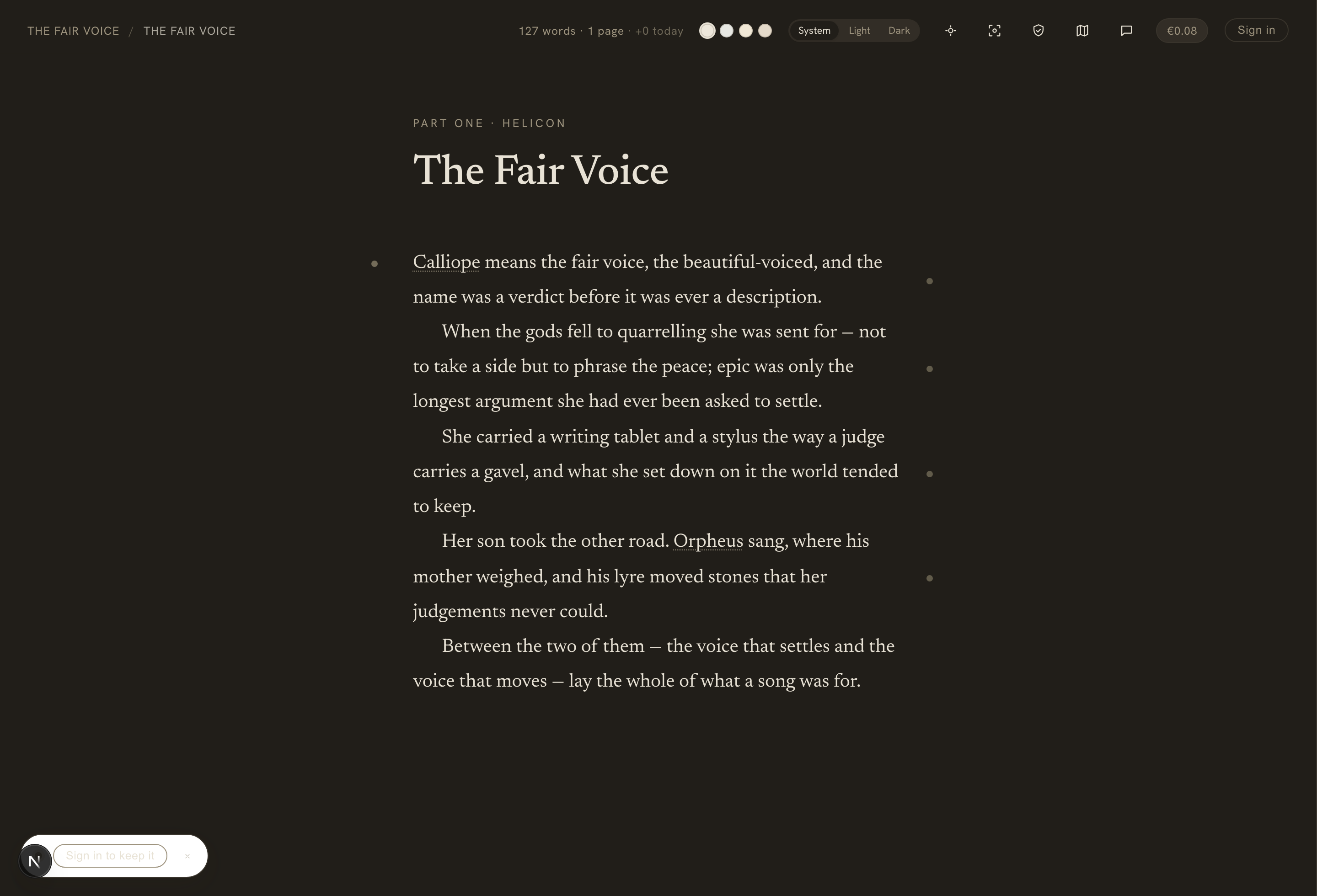
Turn on focus mode and everything but the sentence you're in softens away — the chrome, the neighbouring paragraphs, the world. Typewriter scroll keeps your active line pinned at a steady height, so your hands just keep moving.
And the whole canvas follows light, dark, or system mode, so it's easy on your eyes at any hour. Spell-check is off by default — no red underlines second-guessing a first draft.
The margin
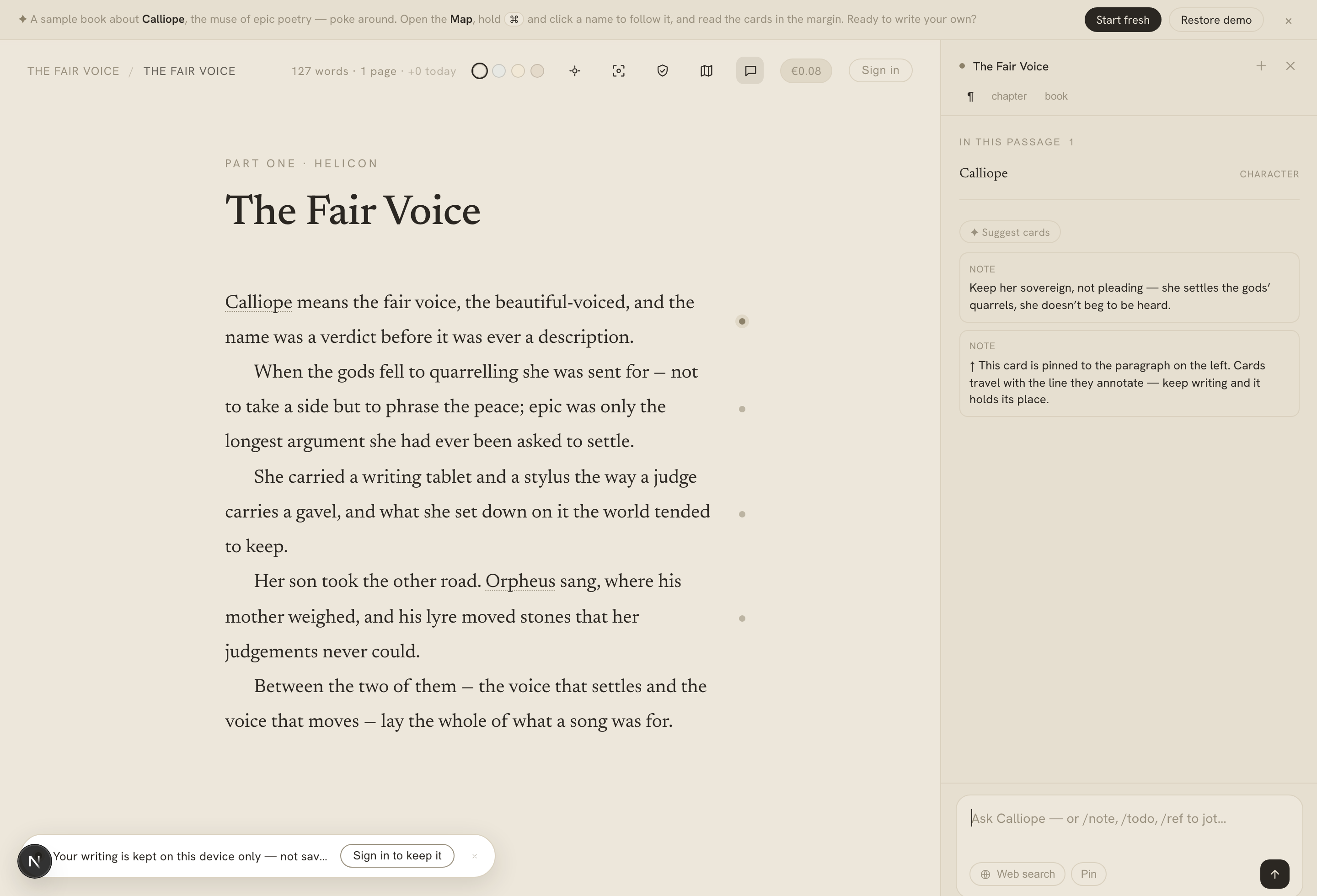
Everything else lives in the gutter
The page stays clean because the notes don't sit on it. A quiet row of gutter dots runs down the margin — each one a note, a to-do, or a reference pinned to that paragraph. Glance at them, tap one open, then let them fold back into the edge and keep writing.
The tools are always within reach, and never on top of the prose. Read more in the marginalia docs.
Explore the rest of Calliope
All features →Revise
Craft lenses
Ten colour washes that reveal your own habits on the page — adverbs, filter words, sentence rhythm, sensory balance, echoes and more — each teaching from both sides so you decide. It recolours your prose; it never rewrites it.
Feel
Ambience
An opt-in, reactive backdrop for the page — a constellation that grows as you finish sentences, an aurora that deepens as you write. Subtle, peripheral, and off unless you want it.
Reflect
Writing stats
Your habit and your book, given back as a calm stats page — a year heatmap, a forgiving streak, your writing persona, the cast of your story, and a shareable Writing Wrapped. It never shames a slow week.
Remember
The Map & structure
The canon of your world — characters, places, facts, every mention — and the outline of your manuscript: parts, chapters, synopses, statuses, reordering.
Think
Marginalia & the AI companion
Notes, to-dos, and chat pinned to the paragraph they're about — beside an AI that reads your whole book, checks it against your canon, and never writes a line of it.
Research
Research beside the page
Ask a question mid-sentence and the companion searches the web, reads the sources, and answers with citations — right in the margin, without pulling you out of the draft. It hands you facts, never prose.
Connect
The MCP connector
Point Claude, ChatGPT, or Cursor at your real book — with a public catalog of editor, critique, character, and craft-drill skills. It reads everything; it never writes your prose.
Automate
The Writer API
Your book as data you can script against — import a legacy manuscript, run a transform, wire a publish pipeline. The one surface where your own prose can flow in and out.
A calm place to write
Open a clean page and start
The editor, the themes, the focus tools — all free, no AI required, no card needed. The pen stays yours.
Start writing — free