Export your novel to DOCX, EPUB, and PDF
Calliope helps you hold your story together while you write it — and then hands you the finished book as a proper, standard file you own. Free, one click, no AI touches it.
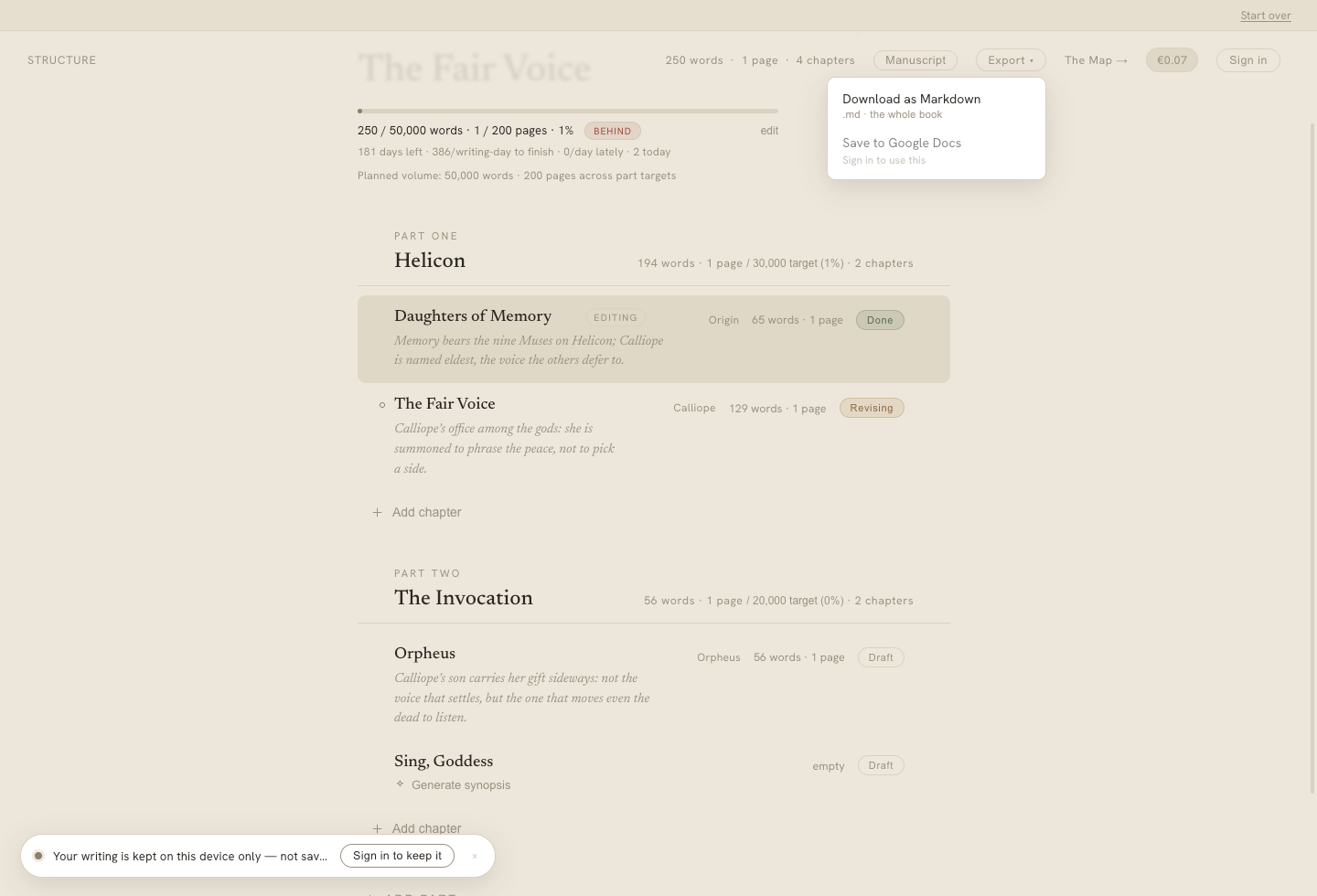
One click to export — Markdown and Google Docs, plus DOCX, EPUB, and PDF once you sign in. Free, and no AI touches it.
Most AI writing tools have a strange gap at the end. You do the work, and then there’s no clean way to get a properly formatted manuscript out — no submission-ready DOCX, no valid e-book, just text you have to reassemble yourself. Sudowrite and ChatGPT can generate prose all day, but they can’t hand you the file a working novelist actually submits.
Calliope can. Every export is free, takes one click from the Export menu, and uses no AI — because by then the writing is done. It’s yours. The job is to get it out cleanly, in the shape the next person expects.
What you export
The whole book — every chapter and scene, in the order you arranged them. Finished, or still in progress; there’s no wrong moment to pull a copy. When you export your novel to DOCX, EPUB, or PDF, you get the complete ordered manuscript as a single real file, not a pile of fragments to stitch together.
The formats, and what each one is for
Different destinations want different files. Calliope produces the ones that matter, each built correctly for its purpose:
- DOCX — the standard manuscript format agents and publishers expect: 12pt, double-spaced, 1” margins, a title page, a running header, clean chapter breaks, and a proper scene-break glyph. This is the file you attach to a submission.
- EPUB 3 — a valid, reflowable e-book, ready to upload for self-publishing to KDP, Apple Books, and Kobo. It just works on the store’s side.
- PDF — a typeset, template-driven artifact that respects your chosen book print format, whether mass-market, trade, or hardcover. What you’d hand someone to see the book as a book.
- Google Docs — one click creates a native Google Doc in your own Drive, through a least-privilege Drive connection. The easiest way to share with a co-writer, an editor, or a beta reader who wants to leave comments.
- Markdown — a single portable
.mdfile that works for everyone, including anonymous writers working locally with no account. The plainest, most durable copy of your text.
Free, one click, and yours
Export lives in the Export menu; you pick a format and Calliope builds the file. To export your novel to DOCX, EPUB, or PDF — or to a Google Doc — you sign in first, which is also free. Anonymous writers can always take the Markdown copy, no account needed. Either way, nothing about your export costs money and no AI is involved in producing it.
That’s the whole point, and it’s on-brand: you write the book, Calliope helps you hold it together, and then the finished book leaves — as a real, standard file you own. Never locked in.
The writing is yours. Keep it that way.
Calliope can export your novel to DOCX, EPUB, and PDF — real submission-ready files, free and one click, unlike AI writing tools that hand you nothing.
Start for free